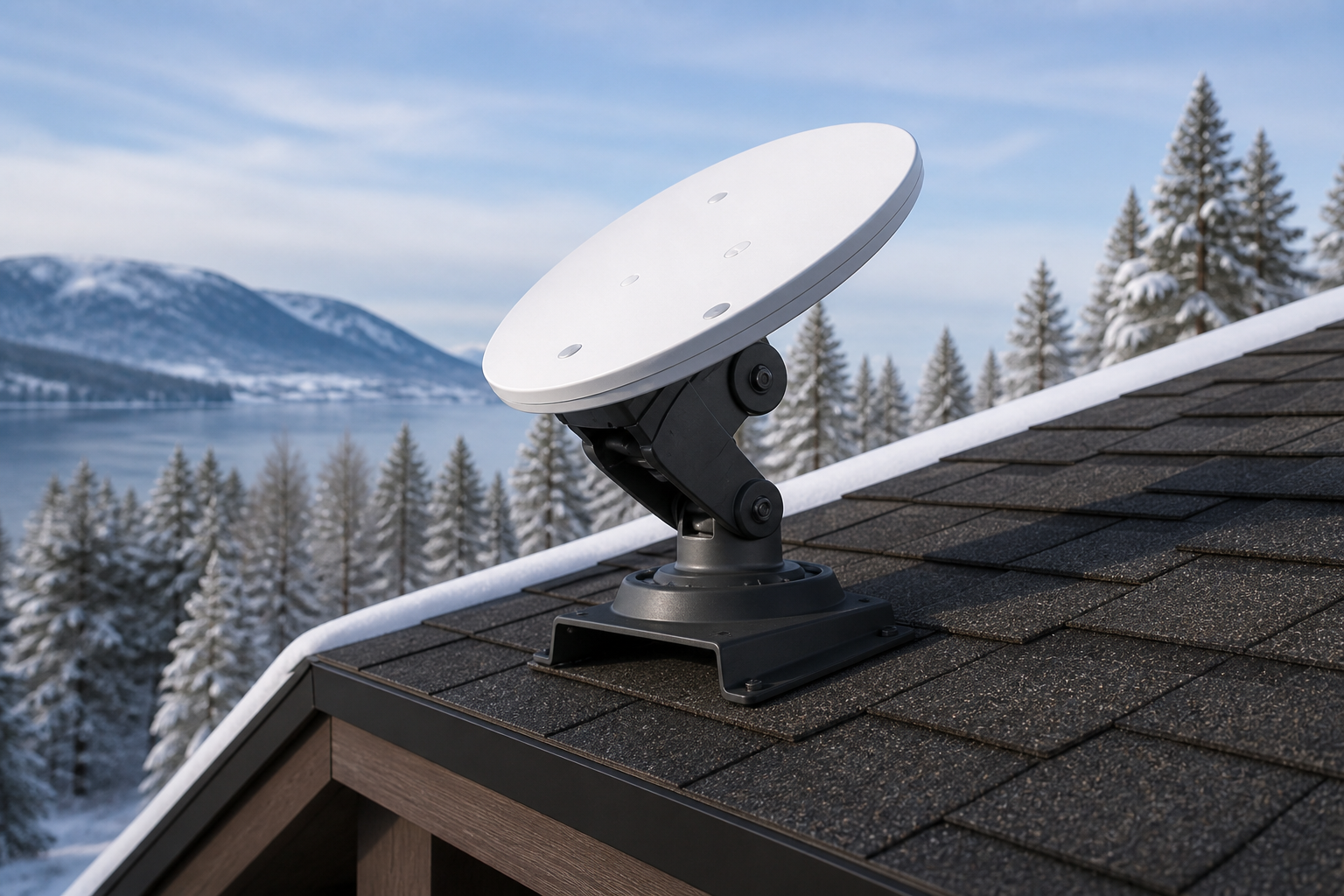
Buy Starlink actuated roof mount
If you already have a Standard kit and a pitched or snowy roof, this motorized mount aims the dish automatically — similar to the integrated Actuated kit.
This price is for the listed item. The model, box contents, and destination are reviewed before dispatch; delivery cost and timing depend on the destination.
- ✓ Authenticity and compatibility check before dispatch
- ✓ Crypto payment with precise QR and dedicated address
- ✓ Dedicated tracking code and email status updates
Check before placing your order
Match your kit's exact generation and model to this page's compatibility section. A similar cable, mount, or router name does not mean it works with every generation.
Who it is for
Pitched roofs, snowy regions, or upgrading an existing Standard install.
Key details
- Motorized aiming
- For compatible Standard hardware
- Less need for constant manual leveling
Capabilities
- Aim without climbing the roof repeatedly
- Helps keep a sky view in snow
What's in the Box
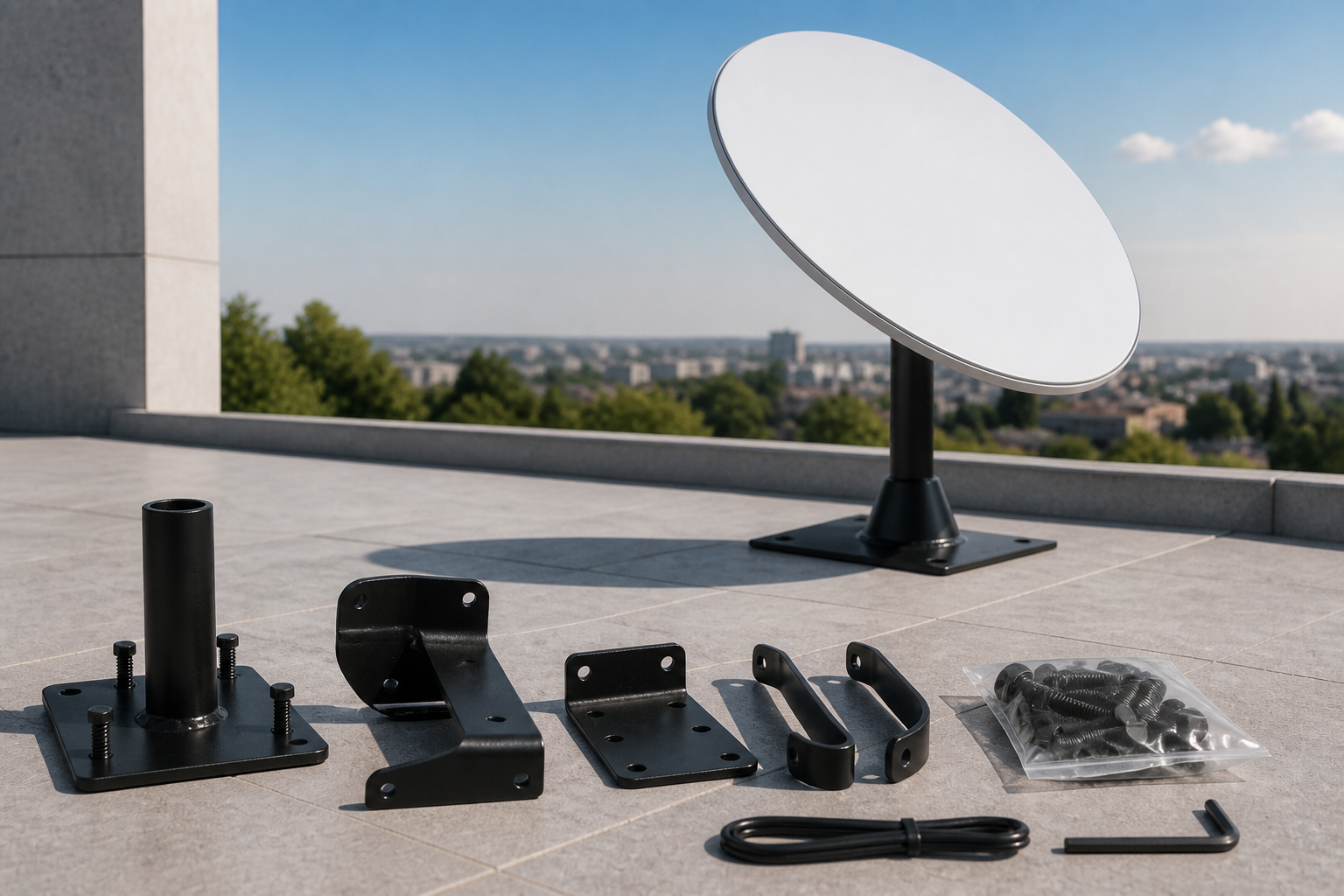
- ✓ Actuated roof mount
- ✓ Mounting hardware
Install & setup — step by step
Follow these steps to install and connect this accessory.
- Confirm your current kit is compatible with support or the accessory guide.
- Fasten and weather-seal the mount on the roof.
- Seat the dish, power on, and let the motor find the angle.
- Confirm online status in the app.
How to mount and start Starlink
Choose a walkthrough below, then follow the steps for your kit: open sky, secure the mount, connect cable and power, and finish in the Starlink app.
Service configuration & activation
See how this works with a compatible kit and plan.
If you have not bought a kit yet, Standard Actuated is usually simpler than buying the dish plus this mount separately.
Frequently asked questions
- How is it different from a full Actuated kit?
- The Actuated kit includes dish and mount together. This part upgrades an existing install.
- Is this for Mini?
- No. Mini sits on a tripod or flat surface.