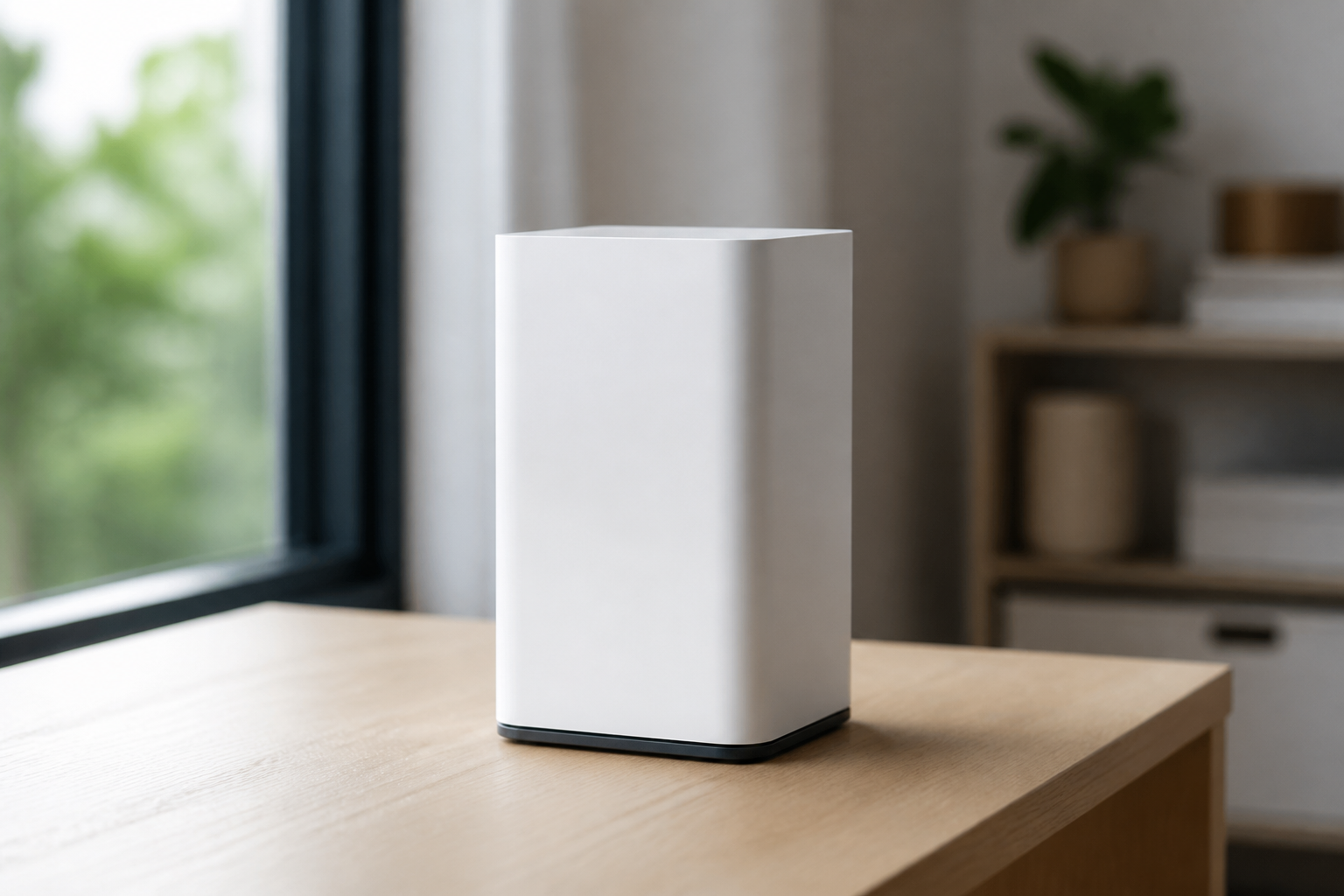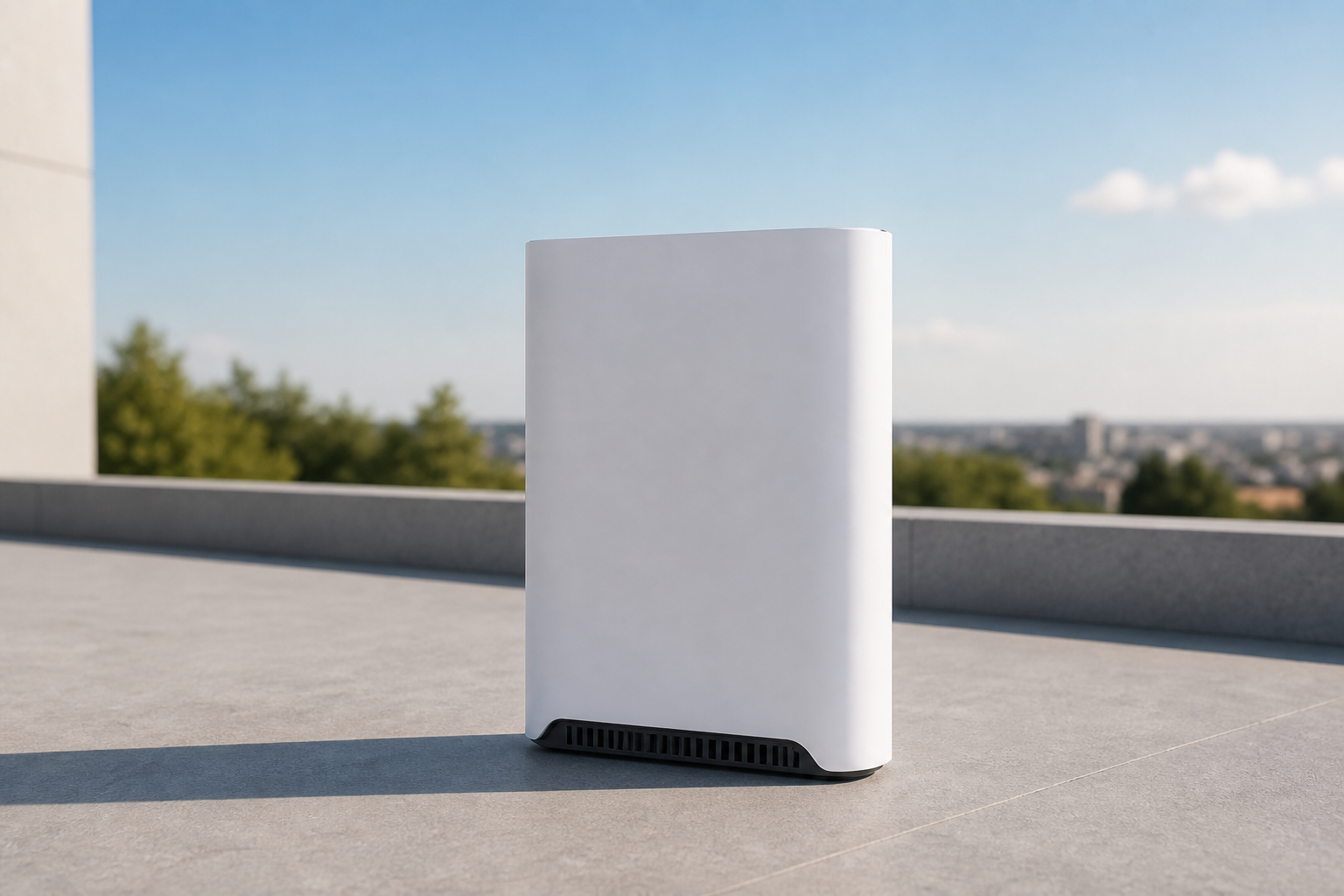
Buy Starlink Gen 3 Wi-Fi router
If the in-box router is damaged or missing, or you need a spare, choose the compatible Gen 3 router. Connect the dish cable and power, then create the Wi-Fi network in the Starlink app.
This price is for the listed item. The model, box contents, and destination are reviewed before dispatch; delivery cost and timing depend on the destination.
- ✓ Authenticity and compatibility check before dispatch
- ✓ Crypto payment with precise QR and dedicated address
- ✓ Dedicated tracking code and email status updates
Check before placing your order
Match your kit's exact generation and model to this page's compatibility section. A similar cable, mount, or router name does not mean it works with every generation.
Who it is for
Replacing a Standard kit router, a spare for a fixed site, or rebuilding home Wi-Fi.
Key details
- Compatible with Gen 3 home kits
- Create the Wi-Fi network in the Starlink app
- Dish cable and power ports
Capabilities
- Direct replacement for the home-kit router
- Manage Wi-Fi from the same app used to install the dish
What's in the Box
- ✓ Gen 3 Wi-Fi router
- ✓ Guide for connecting to your existing dish
Install & setup — step by step
Follow these steps to install and connect this accessory.
- Power off the router and unplug the dish cable.
- Seat the new router, reconnect the dish cable and power.
- In the app, create Wi-Fi or restore your previous password.
- Reconnect your devices to the network.
How to mount and start Starlink
Choose a walkthrough below, then follow the steps for your kit: open sky, secure the mount, connect cable and power, and finish in the Starlink app.
Service configuration & activation
See how this works with a compatible kit and plan.
This is not a monthly plan. Service stays on your Starlink account; only the router hardware changes.
Frequently asked questions
- Does it work with Mini?
- Mini has built-in Wi-Fi. This router is for Gen 3 kits that ship with a separate router.
- Do I need a specialist to install it?
- No. Swap usually takes a few minutes: cable, power, then Wi-Fi in the app.